Calendar & Reminders
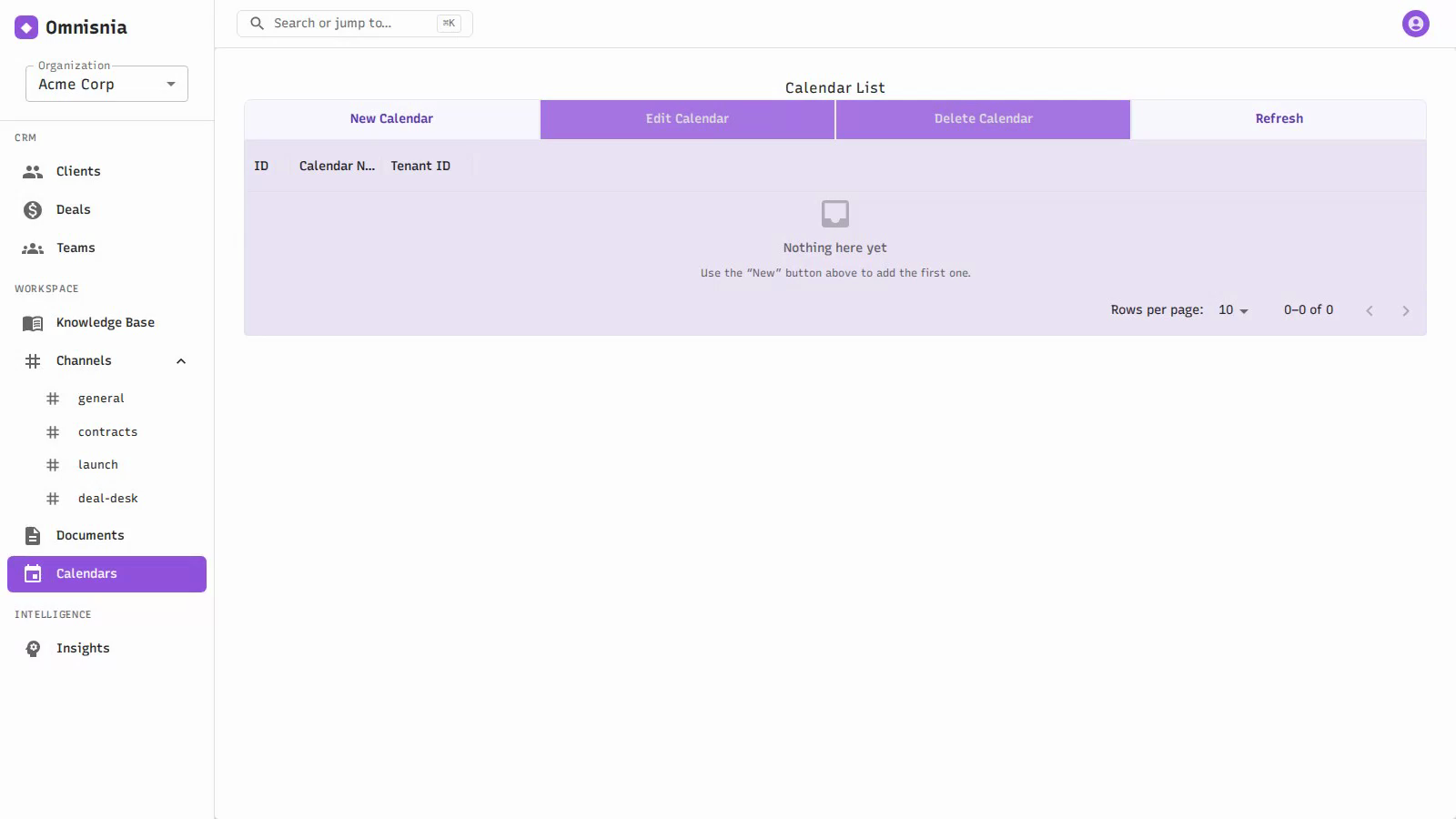
Calendars hold your scheduled events, and reminders surface what’s coming up so nothing slips. Omnisnia raises in-app reminders for tasks that are due and for events that are about to start.
Calendars
A calendar is a named collection of events. You can have more than one — for example a team calendar and a personal one. Calendars belong to your organization , and you can add members to a calendar to share it with specific people.
- Create a calendar and give it a name.
- Add members to control who shares the calendar.
- Edit or remove a calendar you no longer need.
Calendar events
A calendar event is a scheduled item on a calendar. Each event has:
- A start and end time
- Attendees — the people involved
- A linked record — the event can be tied to a related record, such as a client or deal, so it shows up in context
Scheduling an event
From a calendar, add an event. Set its start and end times, add attendees, and link it to a record if it relates to one. Save to put it on the calendar. When you list events, you see them for the calendar you are viewing.
Reminders
Reminders are in-app notifications Omnisnia raises for you automatically. There are two kinds:
- Task due — raised for an open task once it reaches its due date. The reminder goes to the task’s assignee.
- Event soon — raised for a calendar event that is about to start (within the next 24 hours).
Reminders are raised by a background process that checks periodically, so they appear on their own without you doing anything. Each reminder points at the task or event it is about, so you can jump straight to it.
Viewing and dismissing reminders
- View your reminders in the reminders area. You can filter to just the unread ones to focus on what you have not yet seen.
- Mark a reminder read to dismiss it once you have acted on it.
Completing a task stops it from raising further due-date reminders — see Completing a task .
Related pages
- Tasks & Activities — tasks and their due dates
- Clients & Contacts — link events to accounts
- Deals & Pipelines — link events to opportunities