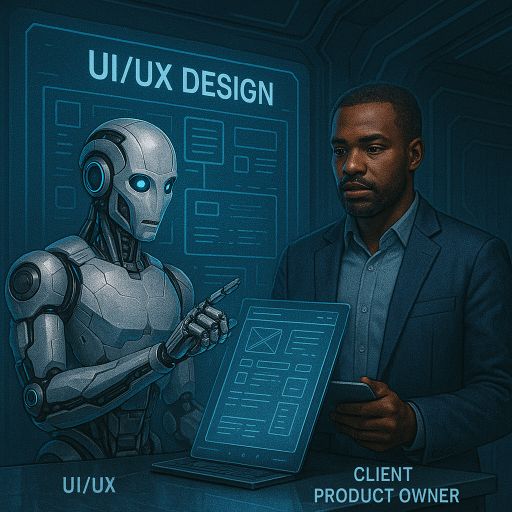
UI/UX Design
Interface and interaction design for the software we build. You get prototypes you can click before anything is implemented, so layout and flow problems surface while they are still cheap to fix.
How it runs
Scope the users. We establish who uses the software, what each role needs to do, and how often. That determines the layout, not aesthetics.
Prototype. We build clickable prototypes of the main flows. You use them. Design decisions get made against something concrete rather than a description.
Test and revise. We put the prototype in front of the people who will actually use it and revise on what they do with it.
Implement. The design goes into the build. Because the same team carries it through, what ships matches what you approved.
What this gets you
- Flow problems found at the prototype stage instead of after implementation.
- A design your users have already used before it is built.
- Review points at every stage, with changes still cheap at each one.
Technical detail
- Built to be implemented. Designs are produced against the component system that will implement them, so nothing in the design is impossible to build.
- Responsive. Layouts are designed for phone, tablet, and desktop widths, not scaled down from one desktop mock.
- Accessible. Keyboard navigation, focus order, colour contrast, and screen reader labelling are part of the design, not a remediation pass afterwards.
- Performance. Asset sizes and render cost are considered in the design, so the interface does not need rebuilding to load quickly.